Boxel Blog

Tutorial 6: Catalog Power: Remixing, Sharing, and Monetizing Boxel Apps
Tutorial

Tutorial 6: Catalog Power: Remixing, Sharing, and Monetizing Boxel Apps

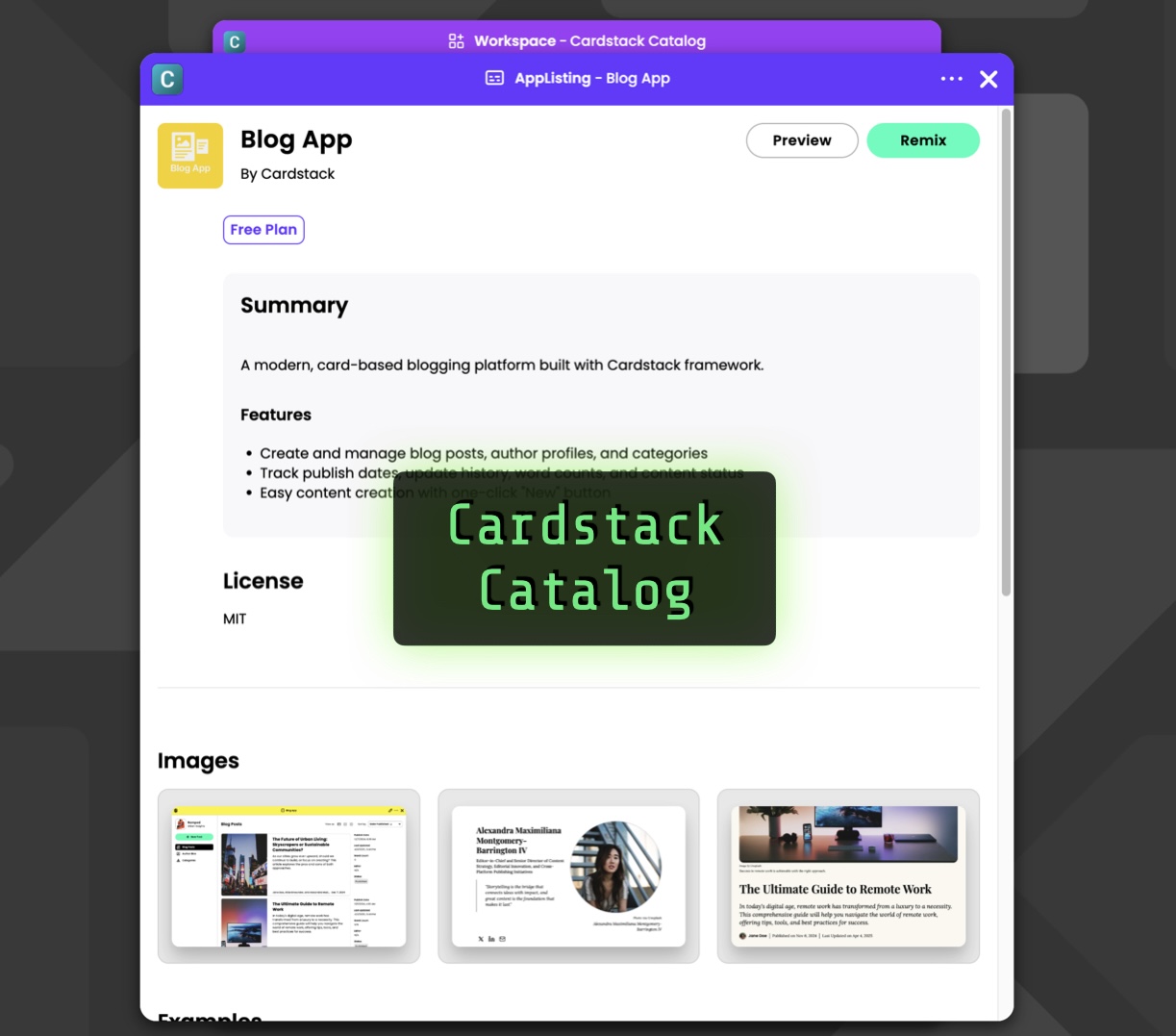
Browse the read‑only Cardstack Catalog, import widgets instantly, or remix full apps into your workspace for custom tweaks. Upcoming workflows let creators submit listings, set credit prices, and earn royalties—building a community library that saves tokens and development time.

Tutorial 5: Debug Smarter: Fix‑with‑AI, LLM Switching, and Advanced Troubleshooting
Tutorial

Tutorial 5: Debug Smarter: Fix‑with‑AI, LLM Switching, and Advanced Troubleshooting

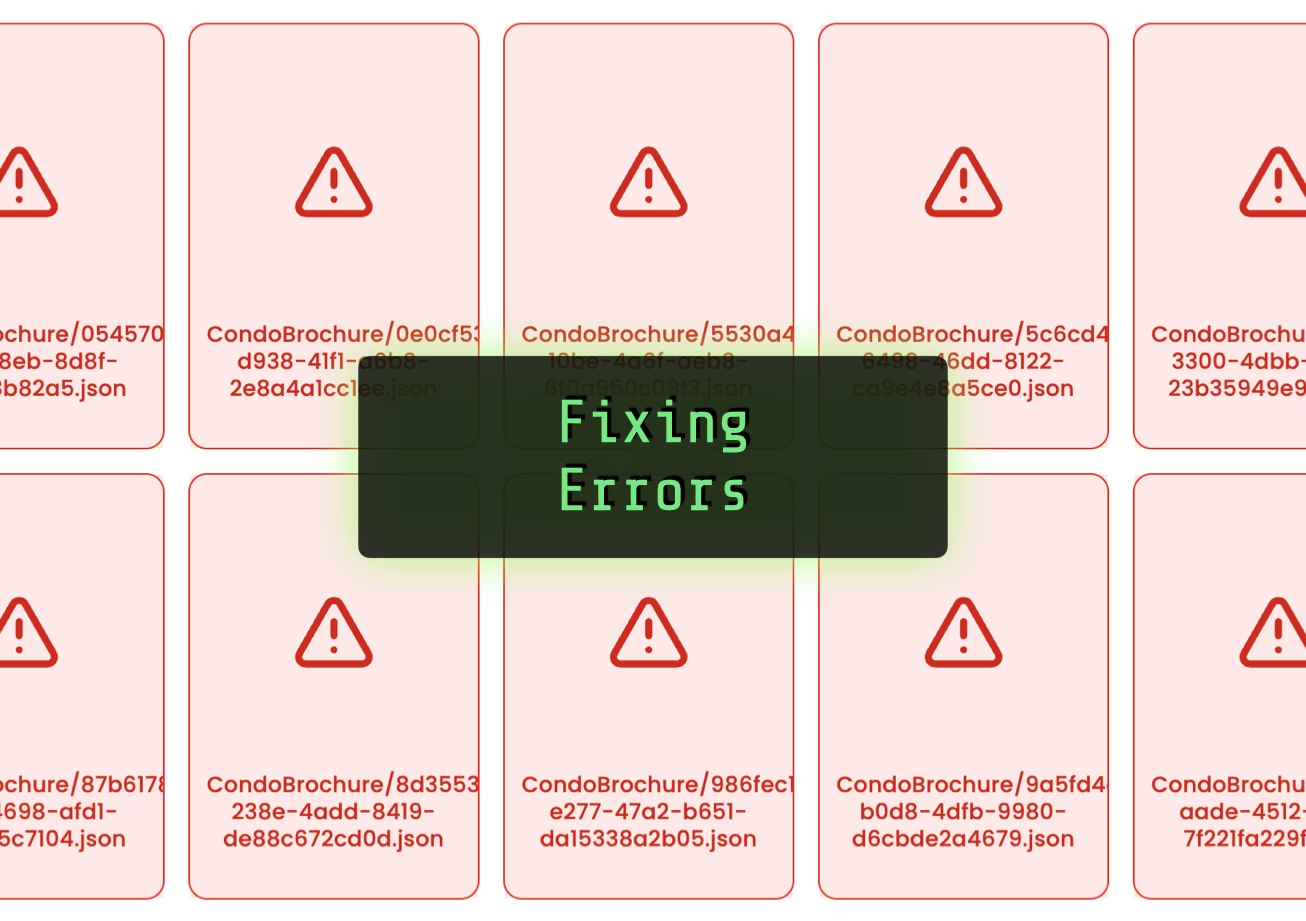
Use Fix with AI for quick patches, switch to Gemini 2.5 Pro for deep reasoning, or outpaint stubborn templates by regenerating them. Enable debug=true to inspect raw prompts and follow “thinking tokens” to root causes—all while navigating file structures for hidden errors.

Tutorial 4: Formats Unlocked: Customizing Fitted, Embedded, Atom, Edit, and Isolated Views
Tutorial

Tutorial 4: Formats Unlocked: Customizing Fitted, Embedded, Atom, Edit, and Isolated Views

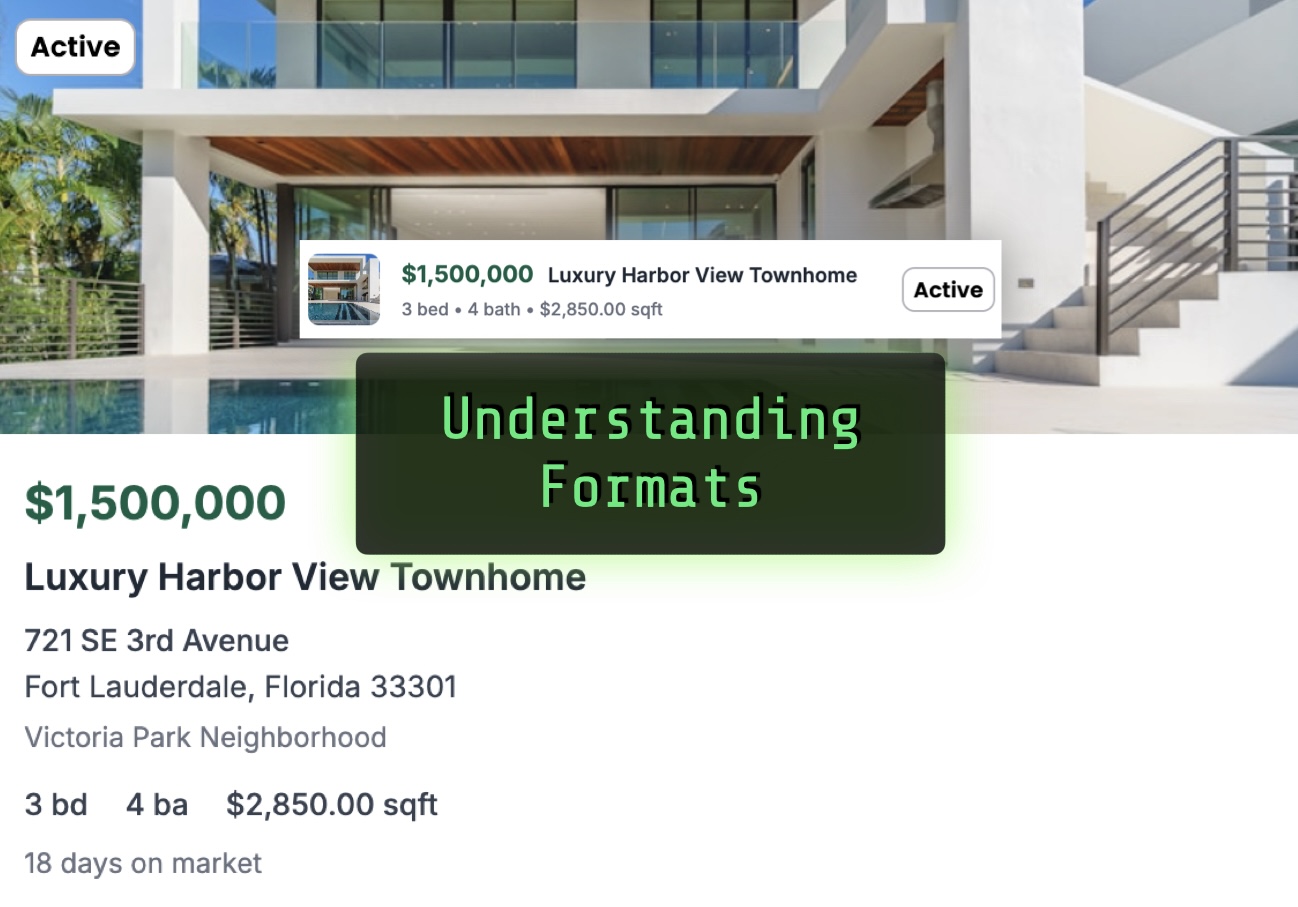
Master Boxel’s five formats—Fitted, Embedded, Atom, Edit, Isolated. Adjust sub‑layouts with container queries, choose embedded for full‑width sections, override atom pills, and delay custom edit screens until schemas stabilize. Delegated rendering keeps navigation intact; model‑driven templates serve high‑design needs.

Tutorial 3: Activating Advanced Design Skills and Generating Sample Data
Tutorial

Tutorial 3: Activating Advanced Design Skills and Generating Sample Data

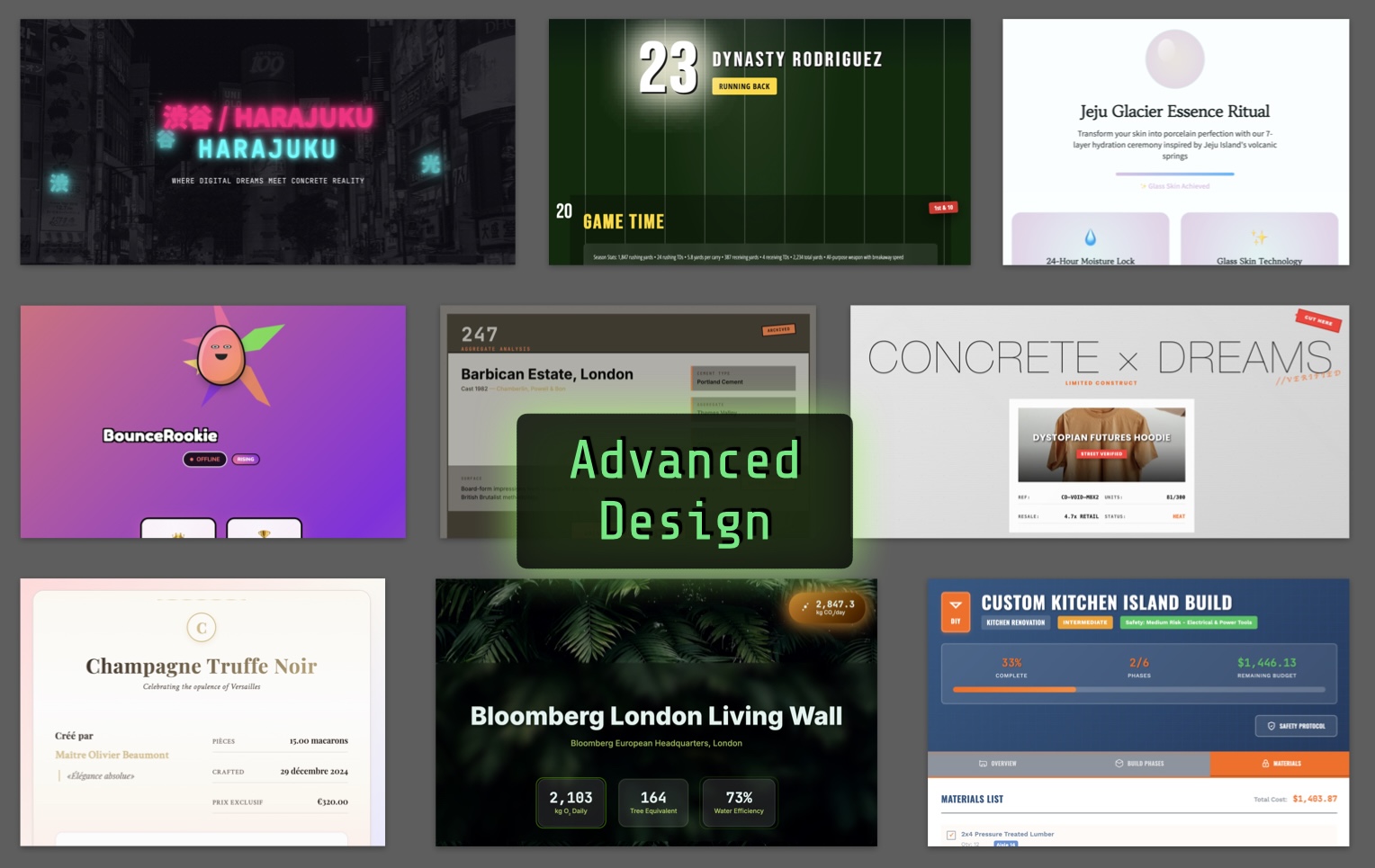
Activate the Boxel Design Skill to apply 200 curated style references—or your own brand cues—for high‑fidelity CSS. Run a design sprint, then generate realistic mock data via the Preview panel, bulk prompts, or pasted text to showcase polished prototypes fast.

Tutorial 2: Inside the Boxel Environment: Navigating Workspaces, Modes, and Prompts
Tutorial

Tutorial 2: Inside the Boxel Environment: Navigating Workspaces, Modes, and Prompts

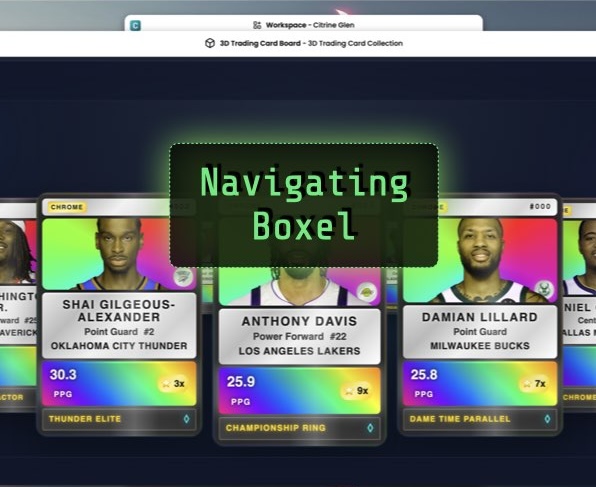
Get oriented in Dashboard, Card Browser, Code Mode, and Interact Mode. Learn the difference between templates (.gts) and instances (.json), switch AI models, watch token usage, and practice incremental prompting to add schema, computed fields, and views step by step.

Tutorial 1: From Prompt to Prototype: One‑Shot Coding in Boxel
Tutorial

Tutorial 1: From Prompt to Prototype: One‑Shot Coding in Boxel

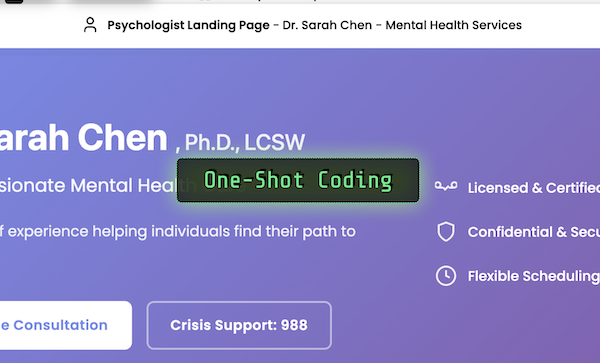
Turn a single prompt into a working Boxel app. Describe a use‑case, let the AI write code, preview, auto‑fix imports, and inject sample data. Accept the files and start using the software immediately—building and testing in the same flow.

Launch of the Boxel AI Early Access Program
Announcements

Launch of the Boxel AI Early Access Program

The Boxel AI Early Access Program is here—offering a first look at our AI-powered platform for building and customizing applications. This guided tour covers everything from setting up your account to exploring pre-built templates, editing content with AI assistance, and experimenting with code and schemas. Get ready to create, collaborate, and shape the future of AI-driven tools.